The Best Weather App Is the One You Set Up Before the Storm
A real-time storm tracking app is only useful if it reaches you quickly, explains the threat clearly, and matches the way you actually live. The best app for a storm chaser is not always the best app for a parent, commuter, teacher, traveler, farmer, or coastal homeowner. Some apps specialize in fast radar loops. Others emphasize official warnings, lightning alerts, hurricane tracks, rainfall estimates, or neighborhood-scale push notifications. The safest setup usually combines an official-warning source with a reliable radar or forecast app and a backup way to receive alerts if cell service gets overloaded. Accuracy is not just about a pretty map. It depends on where the app gets its data, how often it updates, whether you enabled location permissions, how alerts are filtered, and whether the warning language tells you what to do next. A good storm app should reduce hesitation, not create another screen to decode while thunder is already close.
A: Often yes: one for official alerts and one for radar or hazard detail can work well.
A: No. Paid features help only if they improve decisions you actually make.
A: Location, notification, focus mode, battery, or alert-filter settings may have blocked it.
A: No. Radar supports awareness, but official warnings should drive protective action.
A: Fast warning delivery, loud notifications, accurate location, and clear shelter guidance.
A: Near landfall it helps, but cone, surge, rainfall, and local guidance are more important earlier.
A: Yes, especially when phone batteries, towers, or notification settings fail.
A: At least before severe weather season and before major travel.
A: Yes. Too many minor alerts can train people to ignore urgent ones.
A: There is no universal best; the best setup matches your hazards, locations, and habits.
Start With Official Alerts
The first job of a storm tracking app is to deliver warnings that matter. In the United States, tornado warnings, severe thunderstorm warnings, flash flood warnings, hurricane warnings, and other urgent products come from official meteorological agencies, then flow through alert systems, broadcasters, apps, and emergency channels. An app that displays official warnings cleanly is usually more valuable than one that only offers a dramatic radar animation.
Wireless Emergency Alerts can reach many phones without a separate weather app, but they are not a complete replacement for a well-configured forecast tool. They are designed for urgent hazards and may not cover every watch, advisory, storm approach, or personalized location. A dedicated app can add context: radar motion, timing, lightning proximity, rainfall, storm tracks, and forecast discussion.
The key is to avoid relying on only one pathway. Phones can be muted, batteries can die, notifications can be disabled, and app settings can be too narrow. A weather radio, local broadcast, emergency management feed, or second app provides resilience. Severe weather safety improves when alerts arrive through more than one channel.
Radar Quality Matters, But So Does Interpretation
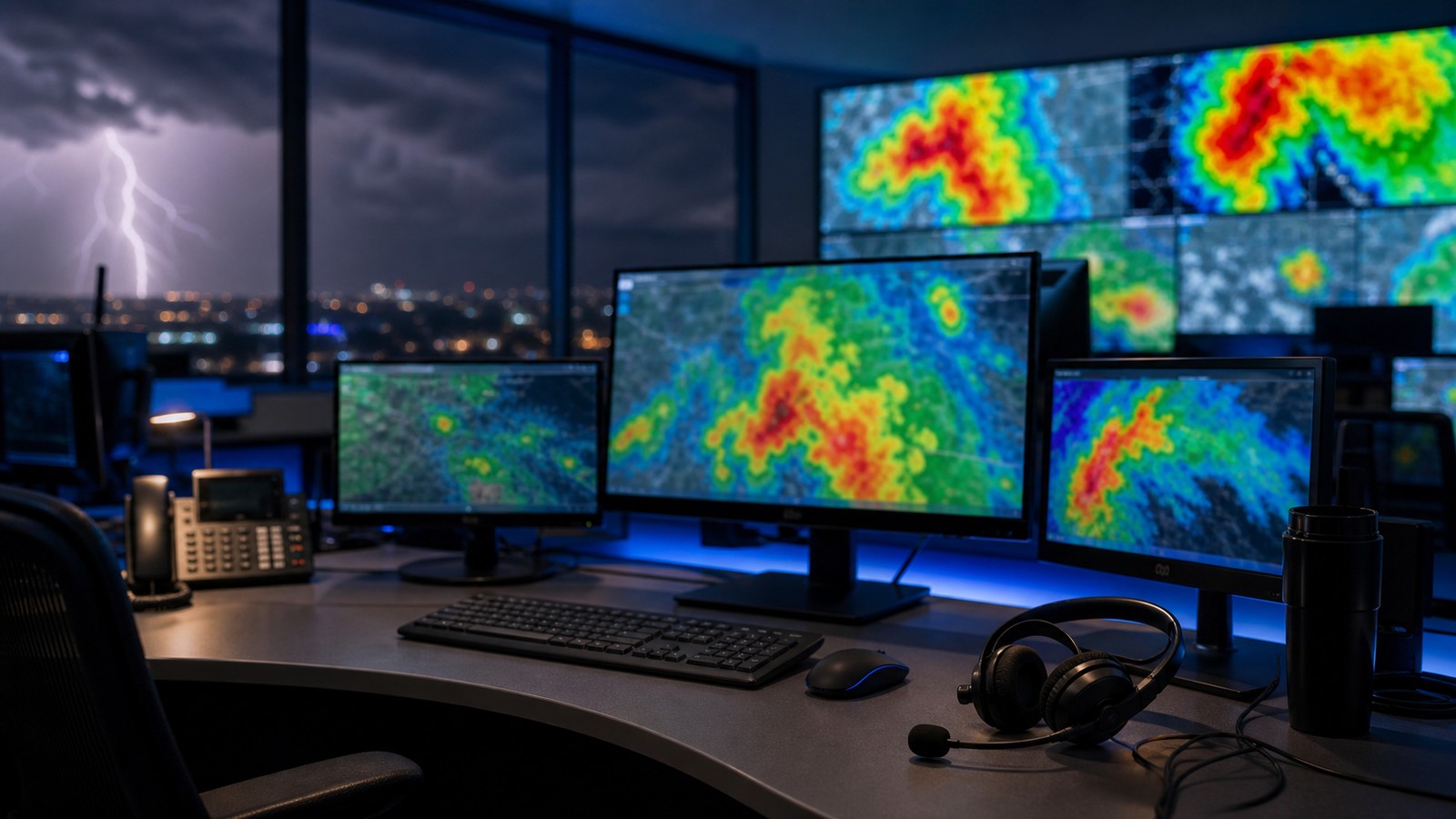
Radar is often the feature people notice first. A good radar app should update quickly, animate smoothly, and make it easy to see storm motion without hiding important details. It should also show your location accurately enough that you can tell whether a storm is approaching, passing north, or building behind you. Clean radar is especially useful during squall lines, hail cores, and training storms that produce flash flooding.
Yet radar color alone is not a safety decision. Bright colors can mean heavy rain, hail, melting snow, or other strong returns. Rotation is not always visible on a simple reflectivity map. Flash flooding depends on rainfall over time and drainage, not only the most intense color at one moment. The better apps help by layering warnings, lightning, storm tracks, precipitation estimates, and local conditions.
For most users, the best radar display is not the most complex one. It is the one you understand under stress. If an app has professional products you cannot read quickly, keep a simpler view saved for emergencies. The goal is fast situational awareness, not a beautiful but confusing cockpit.
Location Settings Can Make or Break Alerts
Many missed alerts are really setup problems. If location access is disabled, the app may warn only for a saved city, not your actual position. If notifications are off, the app may quietly update while you never hear it. If alert filters are too strict, you may miss severe thunderstorm or flash flood warnings that deserve action. If filters are too broad, alert fatigue can make you ignore the one warning that matters.
A strong setup usually includes your home, workplace, school, and any vulnerable family locations as saved places. Travelers should use current-location alerts while on the road, especially during spring and summer severe weather seasons. Coastal residents should add hurricane and storm surge alerts, while mountain and canyon travelers may care more about flash flood alerts.
It is worth testing notification settings on a calm day. Open the app, check saved locations, enable critical alerts if appropriate, and make sure sounds can break through focus modes when you want them to. The best app cannot protect a phone that has been trained to stay silent.
Different Hazards Need Different App Strengths
Tornado risk rewards fast official warnings, reliable radar, and clear shelter language. Severe wind risk rewards line tracking and warning polygons. Hail risk benefits from storm reports and radar context. Flash flooding requires rainfall estimates, basin awareness, and alerts that continue after the lightning weakens. Lightning apps can help outdoor workers, coaches, and event staff stop activity before the first nearby strike.
Hurricane tracking is a different category. For tropical systems, cone forecasts, watches, warnings, surge products, rainfall outlooks, and local evacuation information matter more than minute-by-minute radar until the storm is near land. The best tropical-weather setup combines a trusted hurricane source with local emergency guidance because surge, flooding, and evacuation zones are local decisions.
No single app is best at every hazard for every person. A practical setup matches the hazard profile of your region. Plains households may prioritize tornado warnings and velocity-aware radar. Gulf Coast households may prioritize hurricanes, surge, rainfall, and power-outage readiness. Western households may care about lightning, wind, fire weather, and flash flooding from burn scars.
Free Apps, Paid Apps, and What You Are Really Buying
Free weather apps can be excellent for basic alerts, forecasts, and radar. Paid tiers may add faster radar refresh, professional layers, lightning data, longer loops, ad-free use, custom alerts, or better map tools. The question is not whether paid is automatically better. The question is whether the extra feature changes a decision you actually need to make.
A coach responsible for outdoor practices may benefit from lightning distance and customizable alerts. A storm spotter may want velocity products, dual-pol layers, and rapid updates. A casual user may be safer with a simpler app that reliably announces official warnings. Complexity is only useful when it improves action.
Privacy is part of the decision. Weather apps often request location access because alerts need geography. Choose apps with clear permissions, avoid unnecessary account sharing, and understand whether you are allowing precise location all the time or only while using the app. Safety and privacy do not have to be enemies, but they should both be considered.
Build a Two-App Safety Setup
A good everyday setup uses one app for official alerts and local forecast context, plus a second tool for radar or hazard detail. The official-alert app should be loud, simple, and trusted. The radar app can be more visual. This separation prevents one app from having to be perfect at everything.
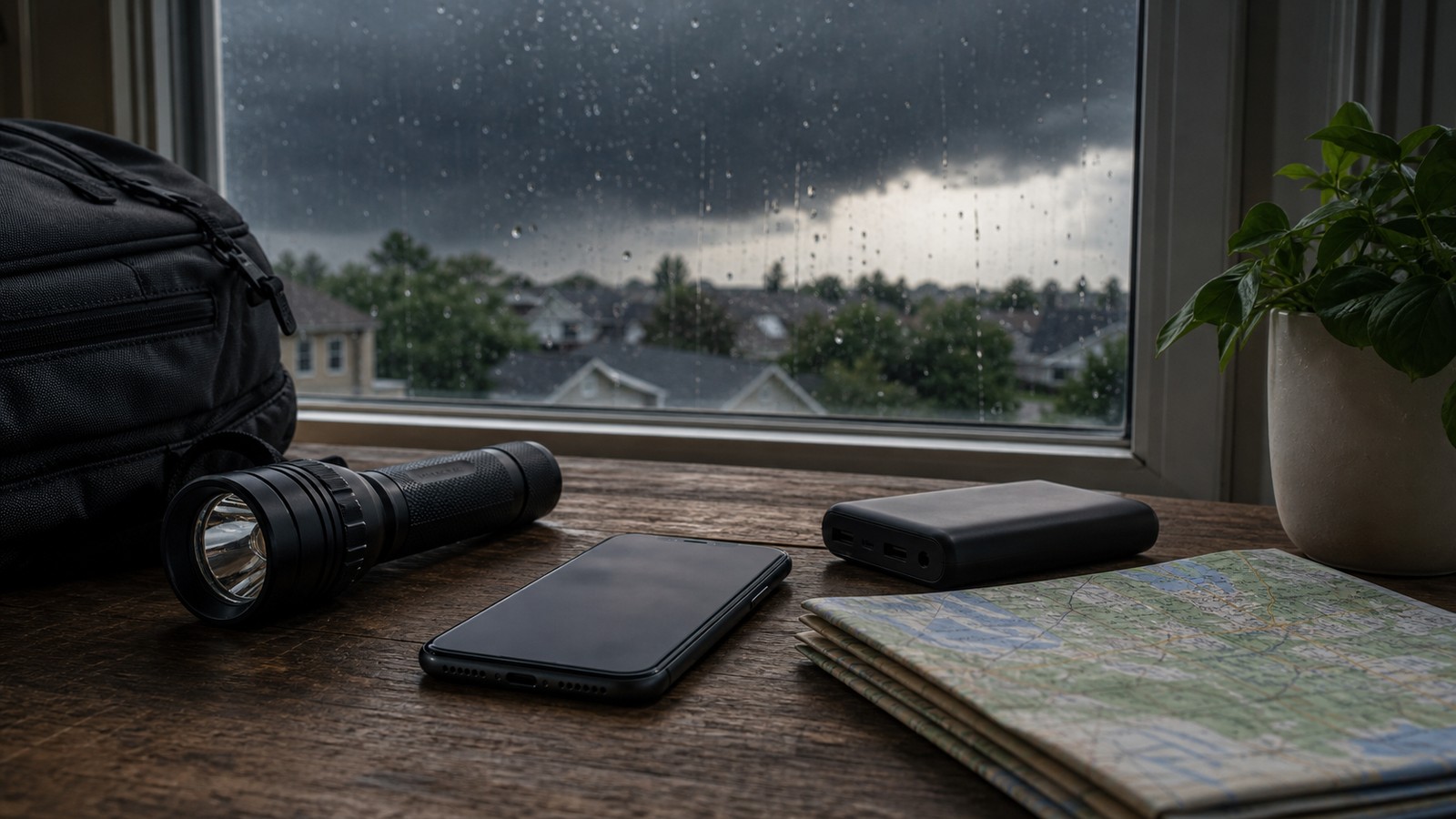
Keep a non-phone backup as well. Weather radios remain useful because they do not depend on the same app ecosystem, push-notification settings, or social feeds. During power outages, a charged power bank and radio can keep the alert chain alive. If you live in a warning-prone region, treat alert tools like smoke detectors: set them up before the emergency.
The best storm tracking app is ultimately the one that you understand, maintain, and respect. It should tell you where the threat is, whether you are in the warning area, how soon conditions may change, and what action is appropriate. If it does those things without burying you in noise, it is doing the job.
Use Apps Differently on the Road
Driving through severe weather changes what an app needs to do. You cannot study a radar loop safely while moving at highway speed, and you may cross several warning areas in a short time. Current-location alerts, voice-friendly notifications, and simple warnings become more important than dense map tools. The passenger can watch radar; the driver needs the message reduced to whether to continue, slow down, exit, or seek shelter.
Road travel also exposes you to hazards that are easy to underestimate. A severe thunderstorm warning may mean damaging wind on an open interstate. A flash flood warning may mean water over a low crossing that was dry twenty minutes earlier. A tornado warning may require leaving a vehicle for a sturdier shelter if one is immediately available. The app should support those decisions quickly, not tempt you into screen-watching.
Before long trips, save destination and overnight locations, but keep current-location alerts active. Weather changes across counties and states, and a forecast for the destination may say little about the storm line you meet halfway there. Good travel weather awareness is a moving bubble around the actual phone, not a static city forecast.
Balance Privacy With Safety
Weather alerts often need precise location, and that can make privacy-conscious users hesitate. The practical choice is to grant the minimum access that still supports safety. Some people prefer location only while using the app, while others choose always-on access during severe weather season so warnings can arrive when the phone is locked. The right balance depends on risk tolerance, local hazards, and how often you travel.
Review whether the app needs an account, whether it shares location for advertising, and whether critical alerts can work without unnecessary data collection. A trusted public-source app may have different tradeoffs than an ad-supported consumer app. If you use a paid radar tool, check whether the subscription buys weather functionality or mainly removes ads.
Privacy settings should not be changed in the middle of an emergency. Decide beforehand which app gets precise location, which app can send urgent notifications, and which app is only for manual radar checks. That way the safety tool is ready without giving every weather app unlimited permission forever.
Practice the Alert Before You Need It
The most overlooked feature is familiarity. People install an app, assume it will work, and then meet the interface for the first time during a warning. A better habit is to open the app during ordinary rain, watch how radar loops behave, tap a warning polygon if one is nearby, and learn where the settings live. Calm weather is the classroom.
Families can make this simple. Decide where to shelter for tornado warnings, where to move during high wind, and what to do if a flash flood alert arrives while someone is driving. Check that children, older relatives, and caregivers know which alert sound means action. A weather app should connect to a household plan, not float separately as another notification.
Businesses, schools, and event teams need the same rehearsal. Who receives the alert? Who has authority to stop play, close a patio, clear a pool, or move people inside? Which app is the trigger, and which source confirms it? The best storm app is stronger when the people using it already know the next step.
Recheck the setup after phone upgrades, app reinstalls, and moves to a new home. A safety tool quietly loses value when permissions reset or saved places become outdated.